Getting started with Unslop
Sign in, teach Unslop your style, write your first post and connect LinkedIn. About 10 minutes, start to finish.
3 min read
Unslop turns what happened in your week into posts that sound like you. This guide takes you from sign-up to your first scheduled post.
Sign in with a code
Go to Sign in and type your email. We send a six-digit code; there's no password to remember.
If the code doesn't show up within a minute, check your spam or promotions folder and mark it "not spam". Later codes will land in your inbox.
The five setup steps
The first time you sign in, Unslop asks five quick things. You can change every one of them later in Settings.
- Who you are. Founder, operator, or consultant/coach. This sets the kind of stories the writer looks for.
- Your background (optional). Upload a short "about me" file. The writer uses its facts (where you've worked, what you've built) so it never has to guess.
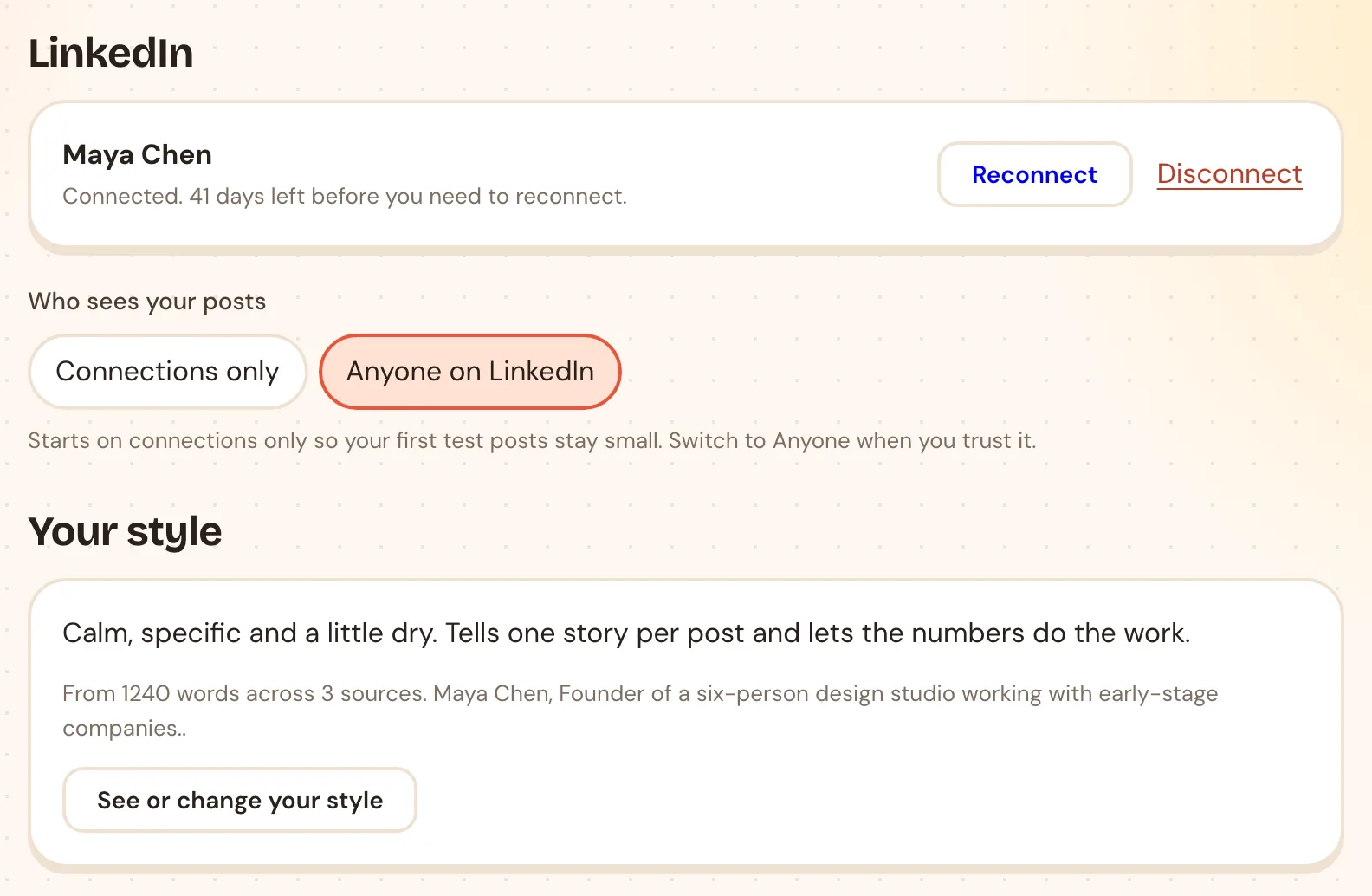
- Your style. Paste a few things you've written, or record yourself talking for a couple of minutes. You can also paste posts by other people you like the sound of. More on this below.
- How often you post. Pick a weekly goal and your posting slots, for example Tuesday and Thursday at 9:00.
- Connect LinkedIn. So Unslop can publish the posts you approve. You can skip this and connect later.
Teach it your style
Your style is the biggest difference between an Unslop post and a generic AI post, so give it real material:
- Things you wrote yourself: old posts, emails, notes. Three or four pieces are enough to start.
- A voice note: talk about your work for two minutes the way you'd explain it to a friend. Spoken words carry your rhythm better than anything you've polished.
- Posts you like: if you don't write much yet, paste a few posts whose style you want. Unslop learns the shape (length, openings, how they end), not the words.
You can see what it learned, and change it, under Settings → Your style.
Write your first post
Click + New post. The writer asks four things:
- What's on your mind? Type or tap Say it and talk. Messy is fine. One real detail helps most: a number, the exact words someone said, what happened.
- Where's it going? LinkedIn (Unslop posts it for you), or X, Threads and Substack Notes (Unslop writes it, you paste it in).
- What should it do? Teach, Take, Build, Spark or Laugh, or leave it on You pick and the writer chooses.
- Any shape in mind? Optional. A list, a before/after, a story, and a tone.
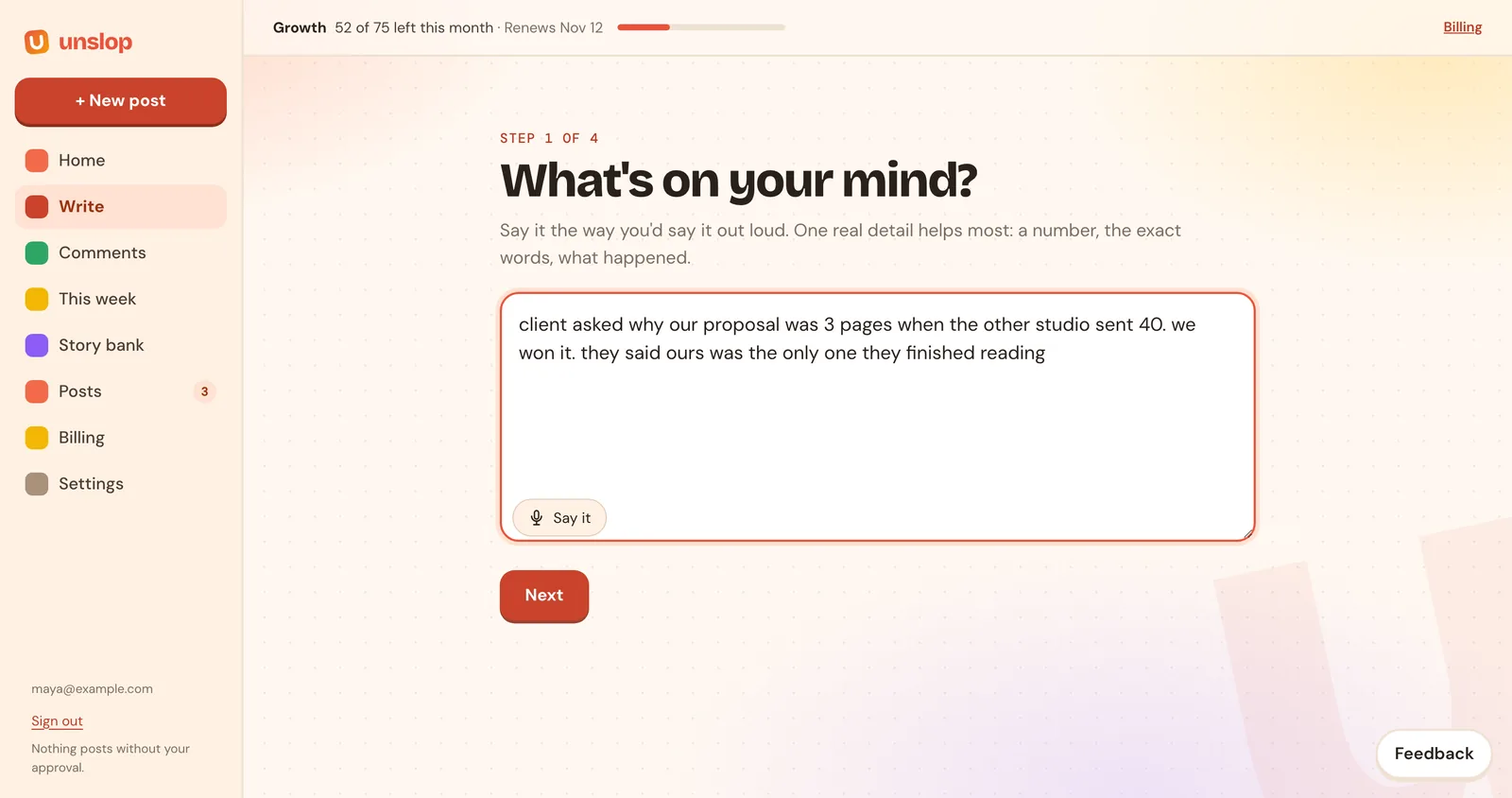
If your note is thin, the writer may ask you one question first. Answer it in a line; it's how the post gets a real detail instead of a made-up one.
Approve and schedule
Read the draft. Edit anything you like right in the box. When it's right, click Schedule and pick Next free slot or a date and time. Nothing goes to LinkedIn until you do this. See Scheduling and the calendar for the details.
Your home page
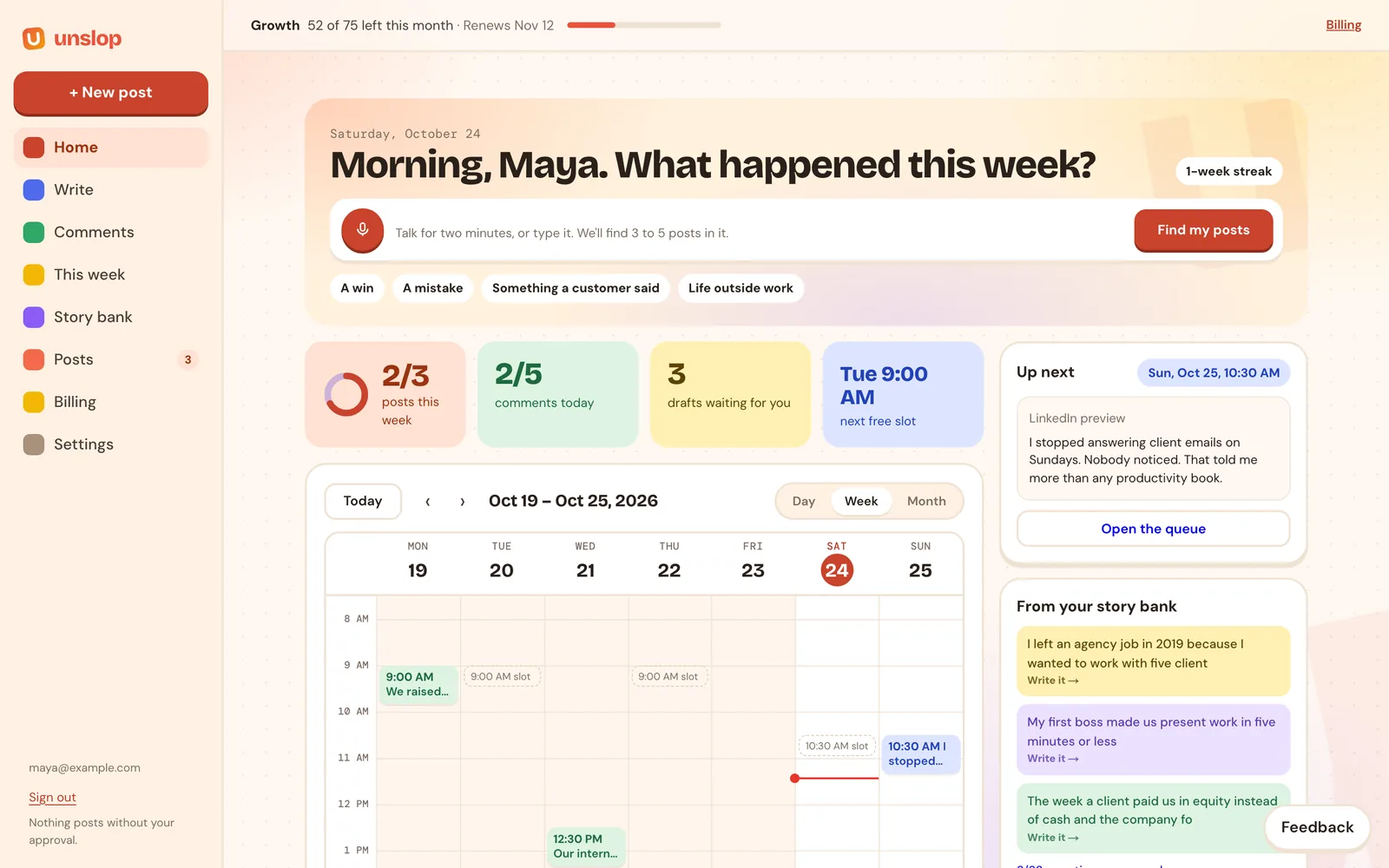
Home shows your week at a glance: posts against your weekly goal, comments today, drafts waiting for you, your next free slot, and a calendar of what's scheduled and sent.
Next
- Writing and refining: voice notes, the refine buttons, and how Unslop learns from your edits.
- Comments and AI images: show up on other people's posts, and add a card or carousel to yours.
Rather see it with your own notes?
Book a short call and we'll turn something from your week into a post together.
Book a demo